From the lab
Concept previews from internal testing — the look and feel we're validating.
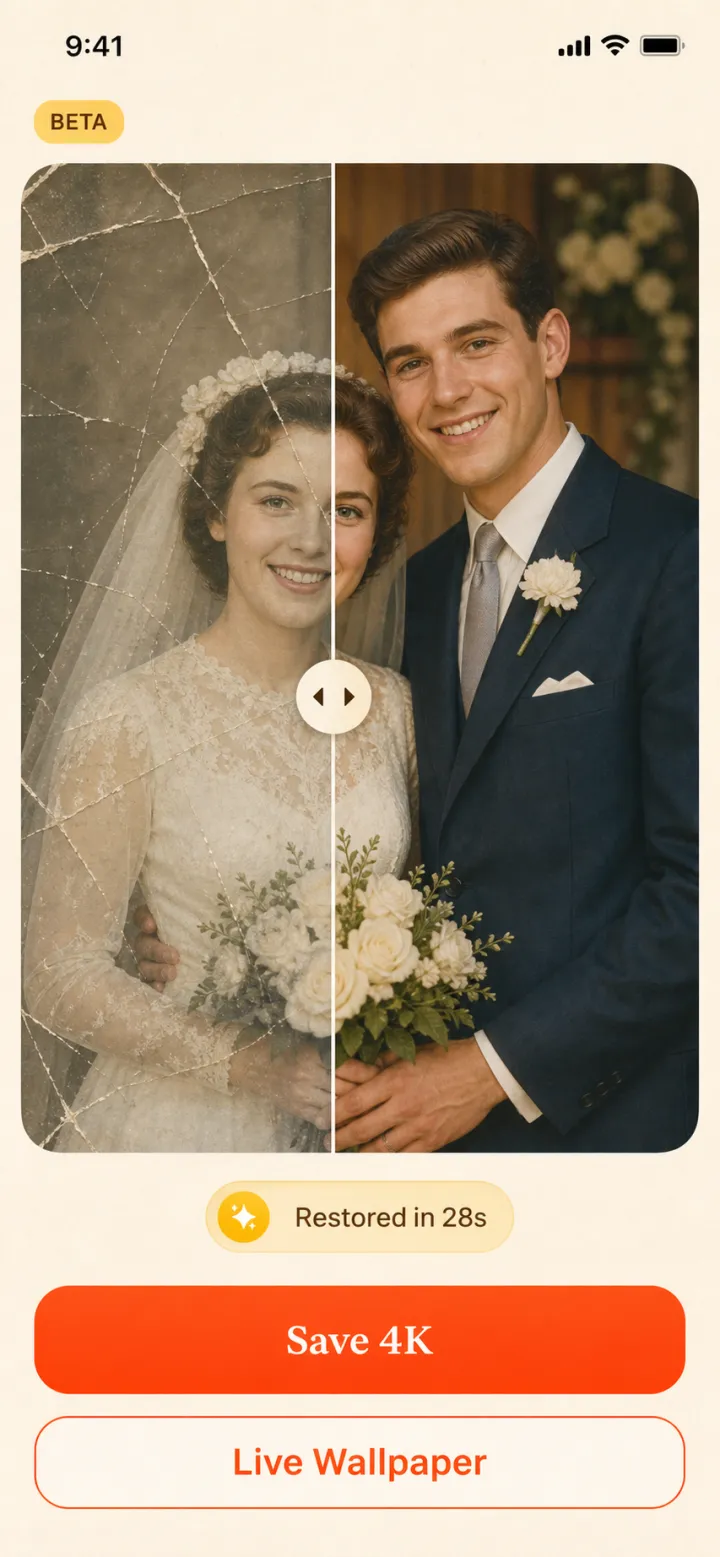

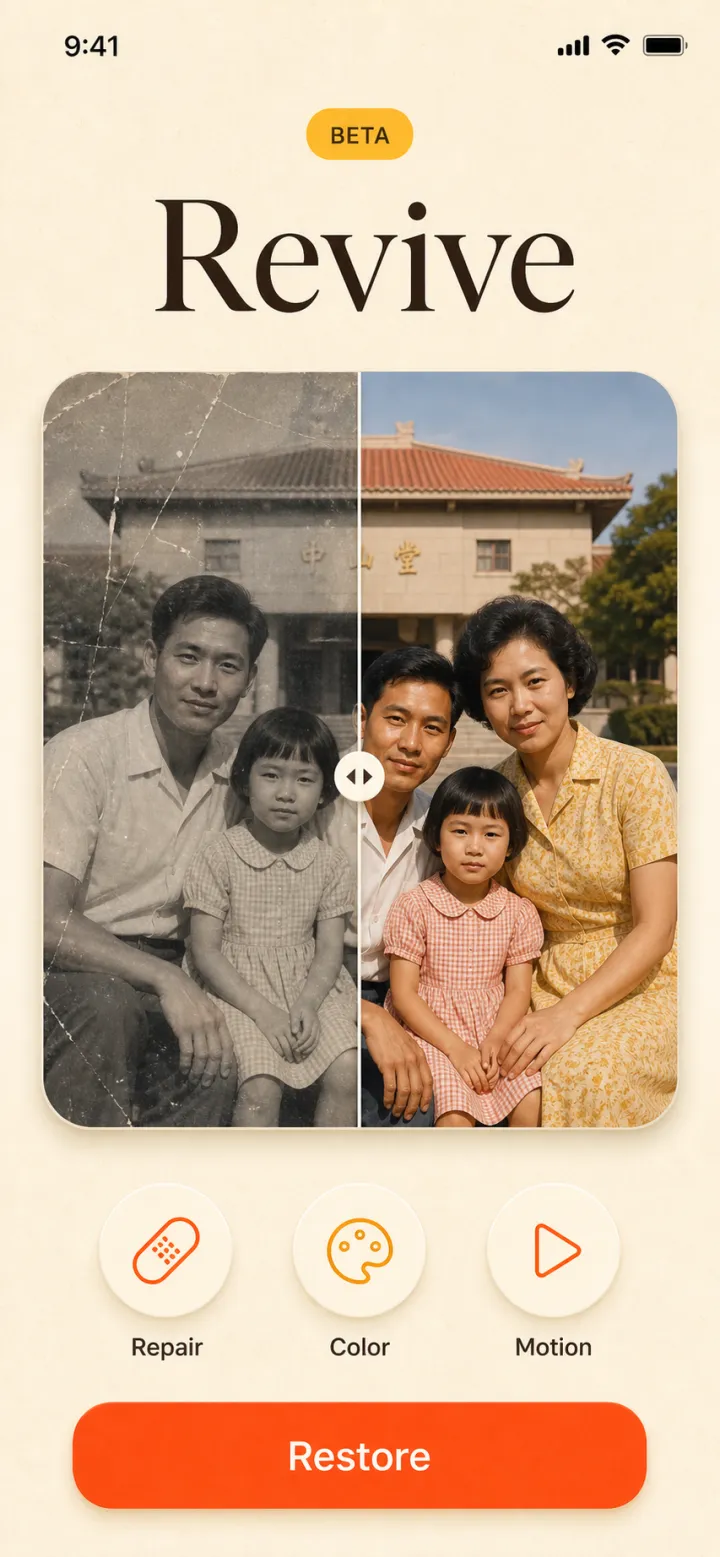
Concept previews · not final UI
Repair scratches and fading. Colorize black-and-white memories. Add a gentle breath of motion to a loved one's smile. Then keep them close — as a living wallpaper on the phone you carry every day.
Free to join · early members get free restores at launch
Want to restore photos today? Read the full how-to guide
Concept previews from internal testing — the look and feel we're validating.
Concept previews · not final UI
Four repairs, one tap each — built for the shoebox of prints every family has.
Scratches, tears, water stains and fifty years of fading — rebuilt by AI trained on millions of photographs.
Black-and-white and yellowed prints come back in natural, believable color — skin, fabric and sky that look right, not painted.
A gentle, respectful animation — a smile, a blink, a breeze. Subtle enough to feel like memory, not special effects.
Export any restored memory straight to a live wallpaper with our 2Live engine — the photo you love, on the screen you see 100 times a day.
Photograph the old photo with your phone, or import a scan. Crooked and glare-y is fine — we handle it.
Repair, color and motion in about 30 seconds. Compare before and after with one thumb.
Save in full resolution, share with the family group chat, or set it as a living wallpaper.
AI models trained on millions of photographs learn what faces, fabrics and film grain should look like — so they can rebuild scratched or faded areas, sharpen soft details, and add realistic color to black-and-white images, all from a single phone photo of your original print.
That's exactly what it's for. Tears across faces, missing corners and heavy fading are the hard cases we're building around. If a photo can't be restored well, it won't cost you a credit.
Joining the early list is free, and early members get free restores at launch. After that, Memory Revive uses small credit packs — you only pay for the photos you actually restore. No subscription required.
Photos are processed securely, never used to train AI models, and deleted from servers after processing. The family archive stays yours.
When the waitlist proves people want it — that's how our lab works. Beta invites go out in signup order, and early members keep founder pricing forever.
Join the early list and be first in line when Memory Revive opens — your signup is also the vote that gets it built.